First run
When Jarela has no enabled model or no assistant, opening the app starts the guided setup instead of an empty chat. A centered Jarela splash stays up while the app loads the information needed by the wizard, then fades into the first step.

Set up your starting point
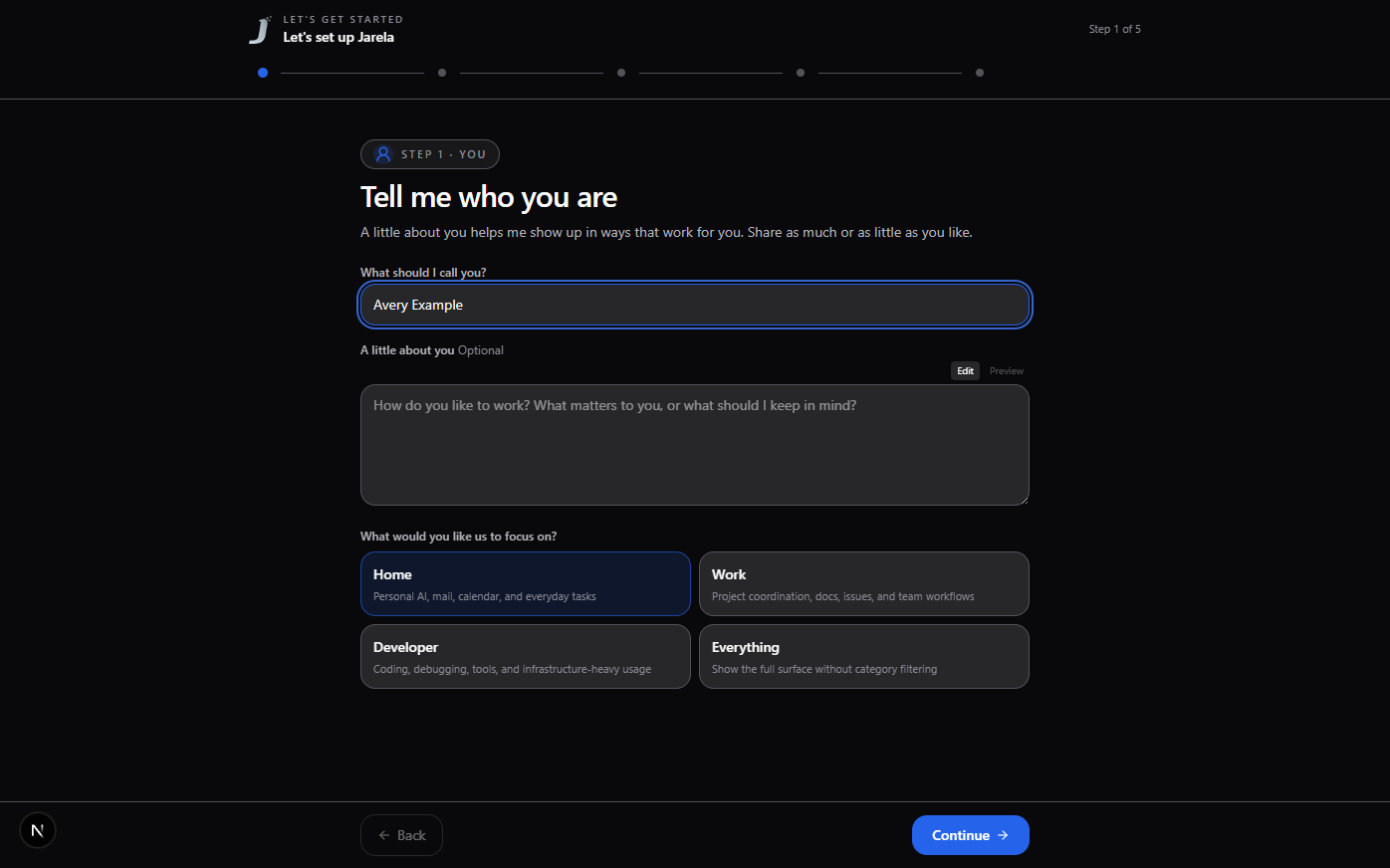
1. Tell me who you are
Add your name so the assistant knows what to call you. You can also share a little about how you work and choose a focus for the workspace. The extra context is optional.
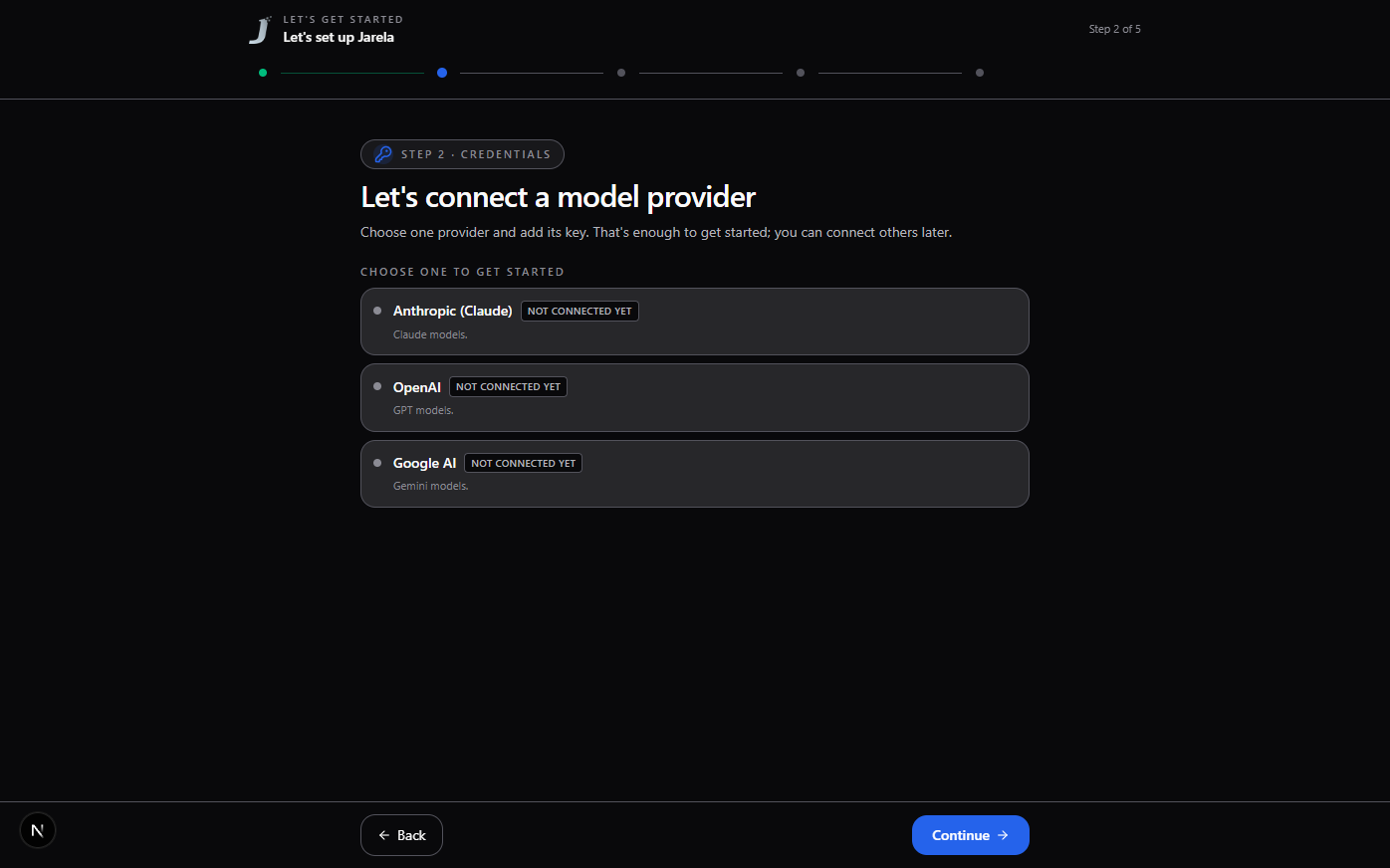
2. Connect a model provider
Choose one provider and add its key. That is enough to get started; other providers, search services, and integrations can be connected later.
If the credential dialog cannot load its provider catalog, use Try again inside the dialog. A catalog error does not mean the selected provider lacks a credential form; the dialog keeps that distinction visible.
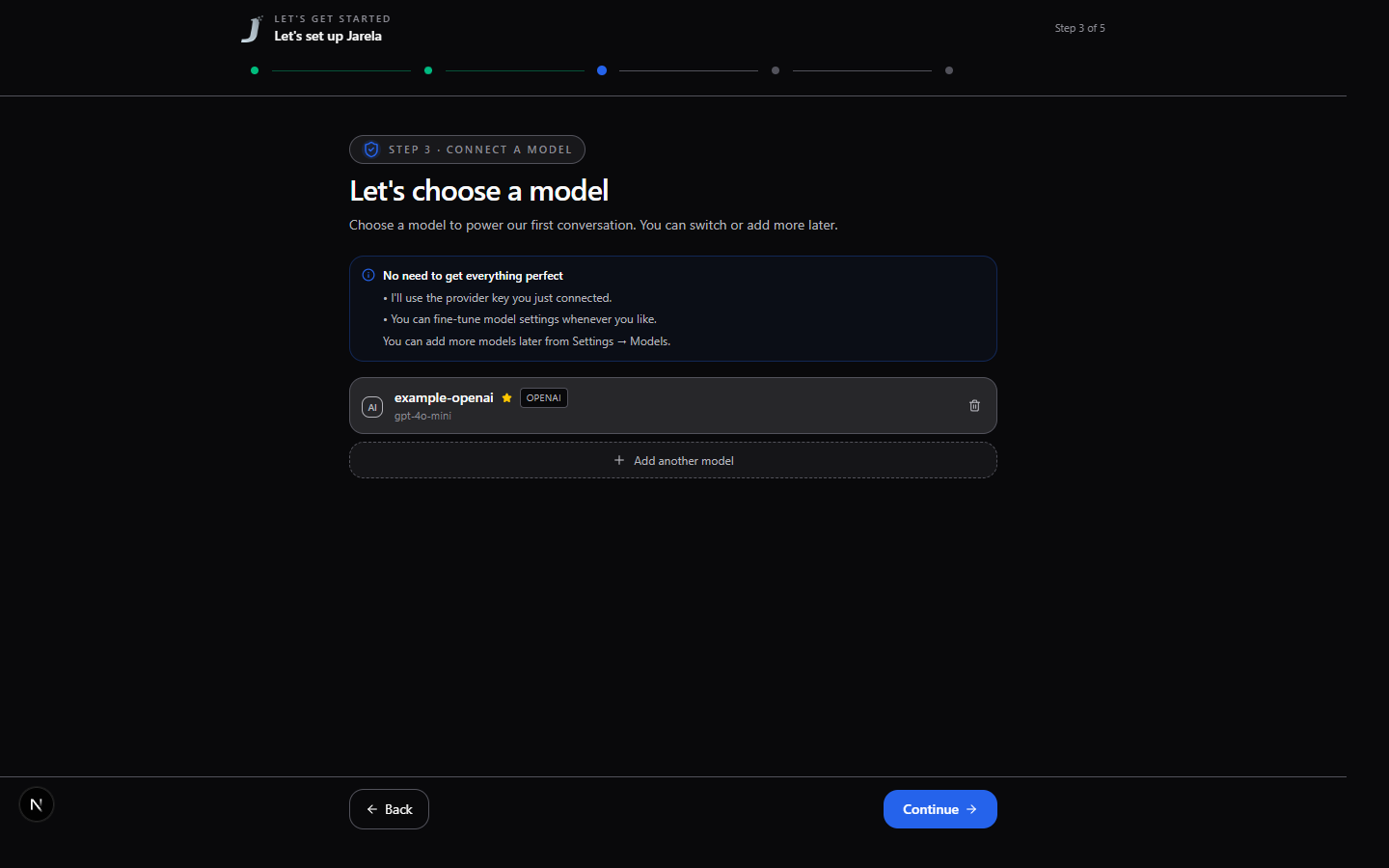
3. Choose a model
If you connected one provider, Jarela selects it and loads its available models for you. Choose a model to use for your first conversation. The first model becomes the default. If saved models are disabled, enable one or add an enabled model before continuing.
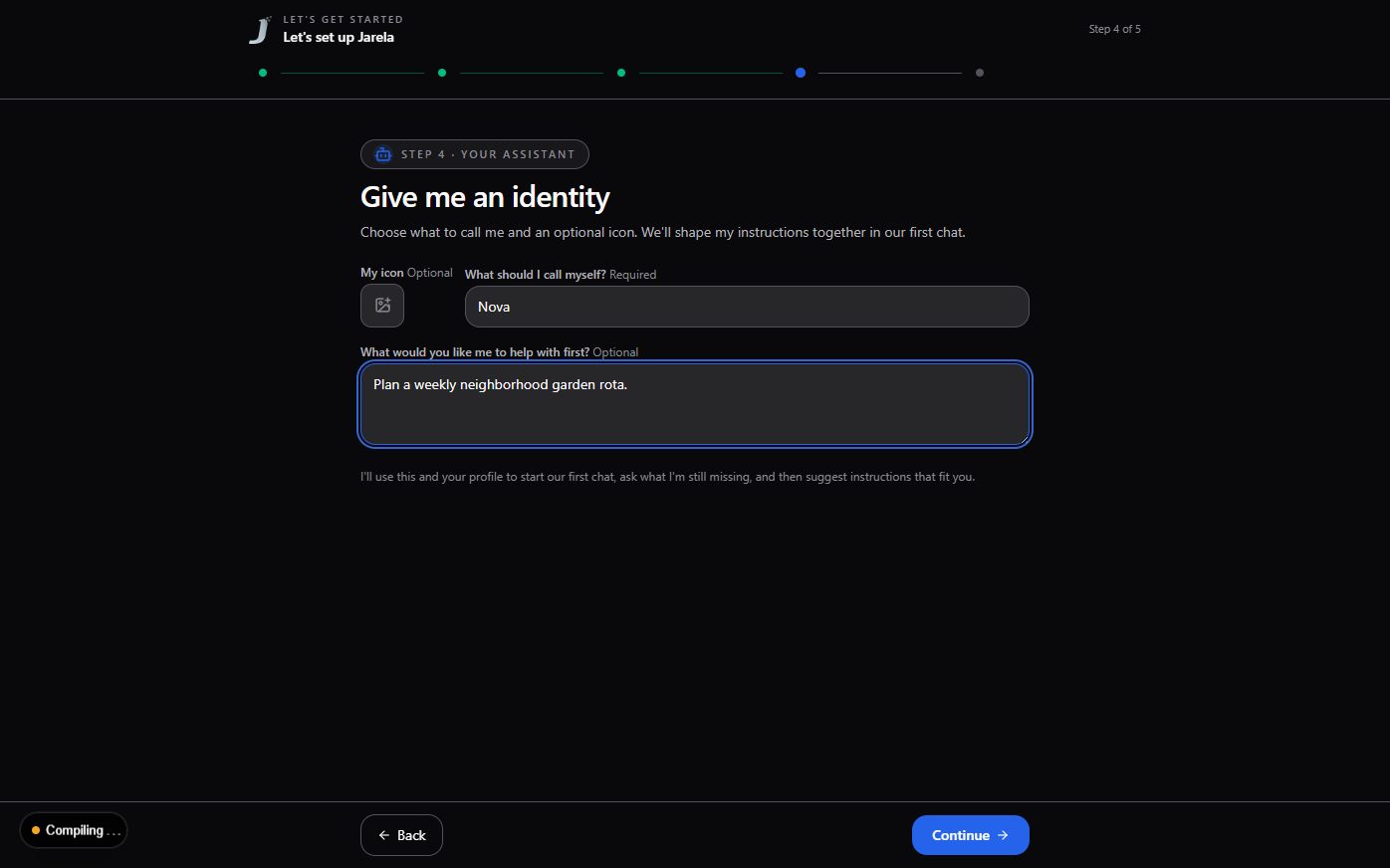
4. Give me an identity
Choose what to call your assistant. An icon and a starting goal are optional; you can shape its instructions together in chat.
A rebranded installation may prefill the assistant name and starting identity. These are defaults for a new assistant only; they do not rename or rewrite existing agents.
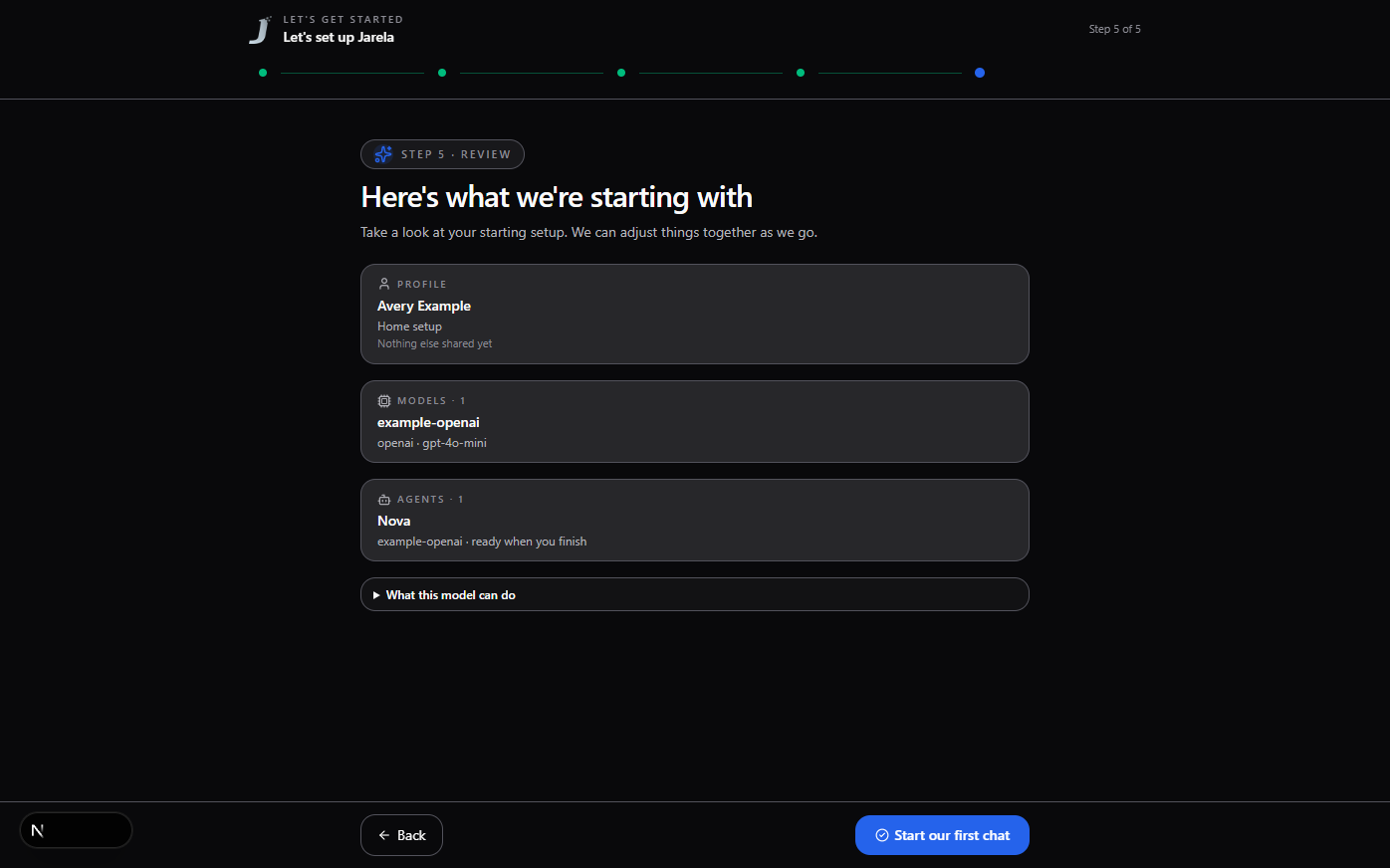
5. Review and start chatting
Review your profile, model, and assistant, then select Start our first chat. The assistant introduces what is ready and asks one question to learn more about your role or day-to-day. After you answer, it summarizes what it learned and offers a draft of its standing instructions for you to approve or revise. It only saves changes after you approve them, then suggests a few useful first tasks.
The starter assistant uses the enabled default model, or the first enabled model if the default is disabled. Disabled models are never selected for a new starter assistant.
If setup cannot load the tool catalog, it shows an error instead of creating an assistant with an incomplete tool configuration. Resolve the reported issue and select Start our first chat again to retry. Setup errors are shown on both narrow and wide screens.
Return to setup
You can open Run setup wizard again from Profile. The review keeps credentials, models, and agents unchanged; profile edits are saved only if you finish. Select Exit wizard to leave without saving those profile edits.
Screenshots
Screenshots in this guide use a fresh isolated database and synthetic example data. They do not contain real credentials or conversations.